Deutsch
  Español
  Français
  العربية
  Indonesia
  Italiano
  한국어
한국어  Nederlands
  Polski
  Português
  Türkçe
  简体中文
简体中文  ไทย
ไทย  Tiếng Việt
  Čeština
  فارسی
فارسی  Română
  Filipino
  日本語
日本語 


VPN to Home Network: Do You Really Need It?
Internet surfing cannot be very safe when you are not at home. Public networks are quite a menace to the safety of your computer life and whenever you are away, then it is important to tighten up the security.
The best choice, in this scenario, is reliable VPN software designed to protect your connection. It secures your information by directing your traffic through an encrypted tunnel and encrypting all data in transit. Consequently, your Internet traffic will not be tracked by snoopers on the Internet.
But when you are home, you are sitting in your comfortable chair with a cup of coffee and using your home Wi-Fi, you can probably consider that having a VPN is simply useless. But is it, really? Keep reading this article to find out if you need a VPN to home network.
 VeePN Research Lab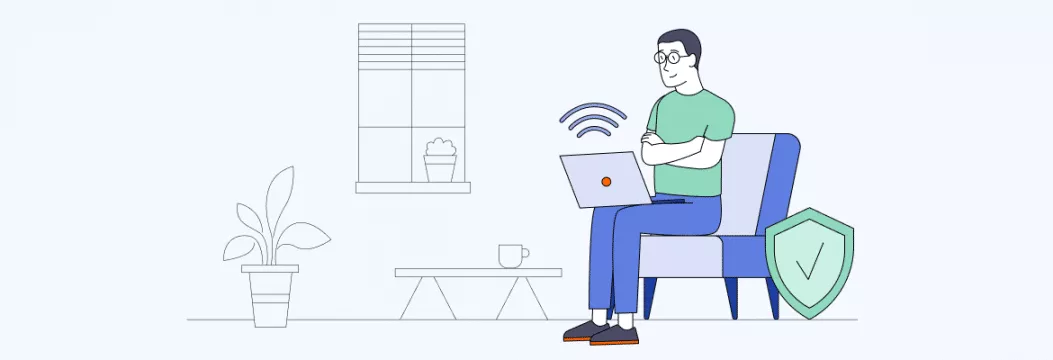


 Quick Navigation
Why you need a VPN at home
Coupled with the powerful antivirus software, VPN has become an essential part of a cybersecurity set. Such software is primarily aimed at securing the online identity of the users by hiding their public IP addresses and securing their information with the aid of the powerful VPN encryption. When your data runs through a VPN tunnel, it’s invisible to those striving to monitor your activities or steal your credentials.
Besides, a virtual private network provides top-tier protection against various types of cyber threats, including man-in-the-middle (MITM) attacks, DDoS attacks, fileless viruses, and different forms of malware that may affect your device.
But again, are all those measures necessary when you’re connected to your home Wi-Fi? The short answer is yes, and, there are several good reasons to safeguard yourself with a virtual private network, even from the comfort of your own home. Let‘s consider the benefits you can have by keeping your VPN turned on at all times.
Benefits of setting up a VPN to home network
The VPN can be used to connect to a home network using VPN server software that adds an extra layer of security and browsing freedom. Now, we shall consider some more and additional benefits of VPN use at home.
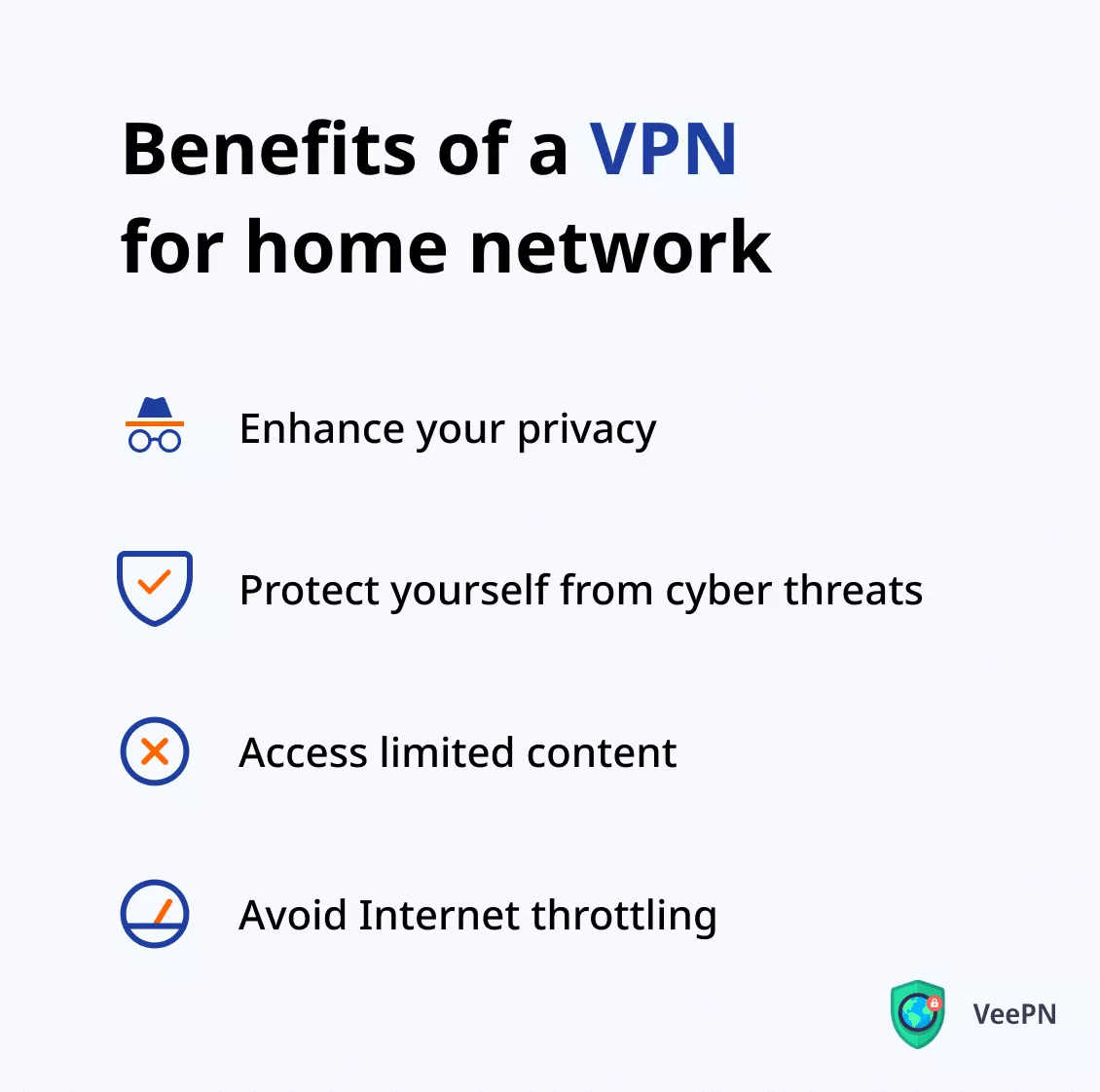
Enhance your privacy
Hackers and snoopers are not the only ones prying on your private data. The truth is that corporations, advertisers, and even your Internet service provider (ISP) also tend to gather information about you. For instance, did you know that in some countries, including the US, ISPs are legally allowed to sell customers’ data to third parties, including government organizations, marketing agencies, and researchers? So eventually, it may appear that your personal information has been revealed without you knowing.
And the best solution to this scenario is VPN. It routes your connection through a third-party VPN server, making your browsing activity difficult to monitor. Consequently, no one will know anything about you, be that your ISP or a spy advertiser.
Protect yourself from cyber threats
It is improbable that a common hacker will be able to crack into your security in the home network using a brute-force attack, but there are other risks to which you should not expose yourself. Various types of viruses may creep into your machine through infected files, links, pop-ups and advertising banners. Specifically, the scam method of phishing enables fraudsters to influence individuals to use suspicious links to visit the counterfeit sites. As soon as you post your information on a such site it will be stolen by cybercriminals.
And this is another good reason to protect yourself with a VPN, even when using a home network. A powerful security feature, such as VeePN’s NetGuard, will allow you to avoid different types of scams, secure your money transactions, and prevent your credentials from being compromised.
Furthermore, a VPN is able to secure not just your laptop, phone, or tablet, but also a plethora of other devices, including the IoT devices and smartwatches, as well as home appliances. Even though these devices lack user interfaces, you can improve their security by setting up a router VPN. More on that in a bit.
Access limited content
VPN removes the boundaries of the Internet and enables greater freedom of browsing. Specifically, a virtual private network is the best anti-censorship device in the case of people traveling overseas to the countries where some contents including the social media, messaging applications, and streaming platforms, are not accessible.
But are there any Internet limitations if you’re staying at home? Well, Internet providers may sometimes block your access to particular websites. And the reasons for this are not always fair. So if you find out that a specific web page is down just for you, a VPN will help you bypass this block hassle-free.
Avoid Internet throttling
Internet throttling is a technique used by Internet providers to limit the users’ device capacity and connection speed. One of the most common reasons ISPs do that is to encourage users to buy more expensive plans with higher Internet speed (while, in fact, your current plan provides the same).
This way, although many believe a VPN slows down the connection speed, it can actually make your Internet even faster. VPN helps keep off tracking agents of the Internet service providers so that you will never find yourself throttled through the Internet.
Having known the reason why you need VPN on your home network now, it is time to see which VPN service you can best use based on your unique needs.
How to choose a VPN for your home network
This part is here because there are many VPN services available in the market, but they are not equally powerful and efficient. When you are deciding which one to install in your device be it on a PC or Wi-Fi router ensure that it will fulfill all the necessary functions without interfering with your privacy and Internet speed. These are some of the most crucial considerations during home VPN.
The number of VPN servers
Determine the availability of enough VPN servers in various locations by the provider of the service selected. To pick an example, using VeePN, one can select over 2600 servers in 89 locations in 60 countries.
No Logs policy
Imagine a VPN that gathers users’ data and violates their privacy instead of protecting it. Such a tool would be not just worthless, but dangerous. So make sure to choose a VPN that follows a transparent No Logs policy.
Available security features of a VPN service
Internet privacy and online security are the two main pillars of any VPN service. Check whether the chosen service offers all the necessary features to protect your data.
Powerful encryption
A reliable VPN should follow the most up-to-date encryption standard. Only AES-256 encryption can be considered powerful enough since it’s impossible to crack.
Reliable support
Although a VPN application is fairly easy to use, you may still face particular issues. That is where the provider’s support should come to the rescue. Prioritize services that offer useful and responsive help via a live chat, FAQ page, or call center.
Connection speed
As mentioned above, a virtual private network may reduce your connection speed. But top VPN services provide options to overcome this challenge. For example, VeePN supports WireGuard, the fastest VPN protocol of all.
Once you’ve chosen a VPN service according to your needs, it’s time to install the VPN client and start using it. Let’s look at this process in detail.
How to set up a VPN to home network (your VPN router)
Here is how to install a VPN solution on your preferred device, be it your laptop, phone, tablet, or Wi-Fi router.
Desktop, phone, or tablet
Setting up a VPN on a standard device with a user interface is quite straightforward and will take just a few steps:
- Download a VPN app for your device. Note that trustworthy services offer paid subscription plans. Free VPNs are often either ineffective or even dangerous.
- Install the app on your device. VeePN provides solutions for all major operating systems, including Windows, macOS, Linux, iOS, and Android.
- Pick a suitable VPN server. To enhance your Internet speed, it’s better to opt for the nearest VPN server.
- Turn on VPN. From now on, your device is protected from any dangers, while your digital footprint remains untraceable.
Wi-Fi router
The process of setting up a VPN on a home router is slightly more difficult and may require port forwarding. Here are some of the steps that you can follow to protect your home network using VeePN.
- Open your router’s configuration settings by entering your router’s IP address in your browser’s search bar.
- Find a VPN tab in the advanced section of your router settings.
- Follow the guidelines carefully to complete the required VPN configuration for your specific firmware. You can get the required configuration files to run an OpenVPN server on the VeePN website.
- Check if your VPN connection works properly. If something goes wrong, contact the VeePN support team.
As an alternative, you can host your own VPN on a compatible Wi-Fi router. We have recently published an article on installation of VPN on a router, which you can read to get more details.
Whether at home or away, stay secure with VeePN
In case you do mind your privacy online, then it is better to use a VPN no matter where you are. You still should protect yourself even when you are connected to your home network by protecting yourself against the ISPs monitoring your traffic and scammers lurking on phishing websites and annoying pop-ups.
Looking for a trustworthy VPN service to ensure your online protection around the clock? Try VeePN! It has got all you may ever need from such a tool, from powerful encryption and security features to fast connection speed and thousands of VPN servers to choose from. Get VeePN today and always stay safe, whether you’re sitting in your comfy chair at home or in a busy airport.
FAQ: VPN to home network
It depends on the chosen VPN service provider. Reputable VPNs like VeePN are perfectly safe, as they prioritize users’ privacy and stick to a strict No Logs policy. However, many free VPN services can pose an actual threat to your cybersecurity, even when you’re connected to your home network. Malicious VPN apps collect users’ data and sell it to third parties. Some of them may even spread viruses on your device.
There is a home network, which is much more secure than using a public Wi-Fi hotspot, but it is still good to use a virtual private network. There are many advantages that you will reap by including a VPN to home network. Specifically, you might be certain that your Internet service provider, and advertisers, corporations, and other third parties, do not monitor your online actions. In addition, VPN is capable of securing various devices, preventing personal fallacies, and preventing Internet throttling. Read this article to get more details.


VeePN is freedom
Download VeePN Client for All Platforms
Enjoy a smooth VPN experience anywhere, anytime. No matter the device you have — phone or laptop, tablet or router — VeePN’s next-gen data protection and ultra-fast speeds will cover all of them.
Download for PC Download for Mac IOS and Android App
Want secure browsing while reading this?
See the difference for yourself - Try VeePN PRO for 3-days for $1, no risk, no pressure.
Start My $1 TrialThen VeePN PRO 1-year plan