
Kayo Sports VPN: Stream Smoothly on Any Network
Streaming can get messy on hotel Wi-Fi or restricted networks. VeePN sets up a Kayo Sports VPN that encrypts your traffic, hides your IP, and keeps your stream stable when networks act up.

How to use Kayo Sports with VPN


Connect to a server
Open the app and choose a server that fits your needs. For speed, pick a nearby option.

Open Kayo Sports
Launch Kayo Sports and start watching. If it does not load, switch servers and try again.
Make Kayo Sports easier to watch with VeePN

What is Kayo Sports?
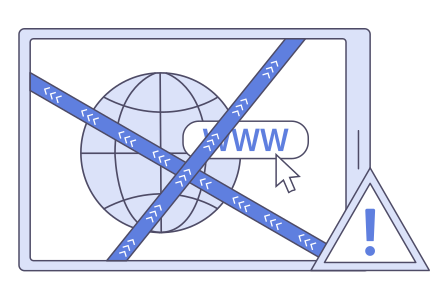
Why Kayo Sports can fail on some networks
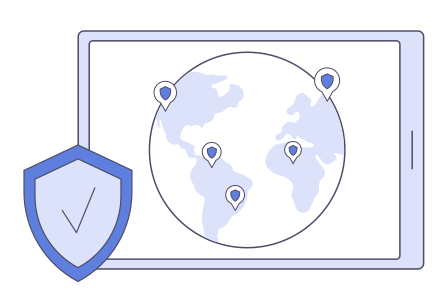
Why use a VPN with Kayo Sports?
Why choose VeePN for Kayo Sports
Not every VPN is good for streaming. Here’s why VeePN is a strong pick if you want the best VPN for Kayo Sports:

2,600+ servers in 60 countries
Plenty of locations to try, so you can find one that feels fast and steady for streaming.

Strong encryption and modern protocols
Your traffic is protected with AES-256 encryption, with fast protocol options like WireGuard.

Unlimited bandwidth
Watch live sports and highlights without caps cutting you off mid-game.

Strict No Logs policy
Your browsing and streaming activity stays private.

Kill Switch and leak protection
Helps prevent IP leaks if the VPN connection drops during a stream.

24/7 support
If something does not work, you can get help fast and get back to watching.
Platform & device compatibility
VeePN works on Windows, macOS, Linux, iOS, Android, and routers. That means you can use one account for your phone, laptop, and home setup. If you watch on different devices, you do not need a separate VPN each time.