
VPN Split Tunneling: Full Control Over Your Connection
Choose which apps and websites use the VPN and which connect directly to the Internet without turning your VPN off.
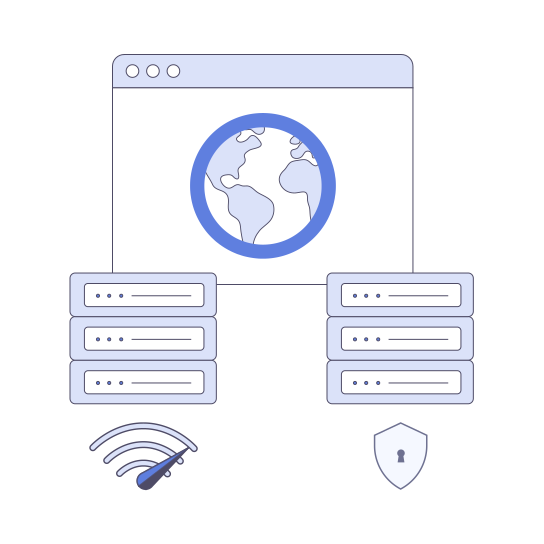
What is VPN split tunneling?
VPN split tunneling is a feature that lets you decide which Internet traffic goes through the encrypted VPN tunnel and which traffic connects directly to the Internet using your regular IP address.
Instead of disabling your VPN when certain apps or websites require a local connection, split tunneling allows you to exclude them while keeping the rest of your traffic protected.
How VPN split tunneling works

VeePN encrypts the traffic you choose to send through the VPN tunnel.

Apps routed through the VPN connect via a secure VeePN server.

Excluded apps and websites bypass the VPN and use your regular Internet connection.

Both connections work simultaneously on the same device.
You can also use reverse split tunneling. In this mode, only selected apps use the VPN, while all other traffic connects directly.
Why use VPN with split tunneling

Faster speeds where you need them
Access local services
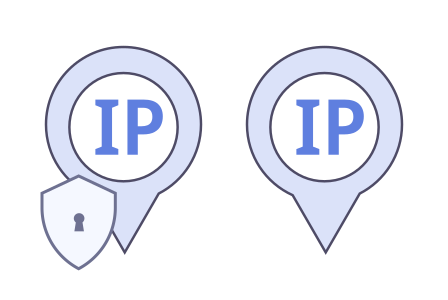
Use two IP addresses at the same time

Connect to local network devices
When should you use split tunneling?
- Online gaming with low-latency requirements
- Streaming or downloading large files
- Accessing local banking or corporate portals
- Using smart home or office network devices
- Running VPN-protected browsers alongside local apps
Types of VPN split tunneling

App-based split tunneling
Choose specific apps that bypass the VPN while all other traffic remains encrypted.

Website-based split tunneling
Exclude selected websites from VPN protection while keeping the VPN active for everything else.

Inverse split tunneling
Only selected apps or websites use the VPN while all other traffic connects directly.
How to use split tunneling with VeePN
Windows

- Open the VeePN app.
- Go to Settings.
- Go to VPN.
- Enable the Split Tunneling feature.
- Choose the apps or websites you want to exclude.
Android

- Open the VeePN app.
- Go to Settings.
- Tap Split Tunneling.
- Select the apps you want to bypass the VPN.
Split tunneling vs full tunneling
- Feature Full tunneling Split tunneling
- Traffic encryption All traffic Selected traffic
- Speed flexibility Lower Higher
- Local access Limited Full
- Control level Basic Advanced

Is VPN split tunneling safe?
VPN split tunneling is safe when used responsibly. Traffic that bypasses the VPN is not encrypted and uses your real IP address.
To stay secure:
- Keep sensitive apps protected by VPN
- Use split tunneling only when necessary
- Choose a trusted VPN provider like VeePN
Experience Free Internet with VeePN
Enjoy the pros of top-grade encryption, user-friendly interface, and global network of servers.
 Over 2,600 VPN servers
  AES 256-bit encryption
  DNS and IP leak protection
  Automatic kill switch
  Multiple security protocols
  Strict No Logs policy
  Split tunneling
  Highest speeds
  Double VPN
  Unlimited bandwidth
  24/7 live chat support
  10 devices per subscription
 Frequently Asked Questions
Is VPN split tunneling secure?
Does split tunneling improve speed?
Can I use two IP addresses at the same time?
How do I turn off split tunneling?
Take full control of your VPN connection
Balance security, speed, and flexibility with one simple VPN app.