
GoToMeeting VPN: Clear Calls from Any Network
Unexpectedly dropped calls or blocked access can ruin any meeting. VeePN hides your IP, protects data, and keeps GoToMeeting running smoothly no matter where you are.
How to use GoToMeeting with VPN


Connect to a server
Choose a nearby or fast region for steady and clear audio.

Open GoToMeeting
Join meetings securely and avoid sudden drops or blocked access.
Make Your GoToMeeting Calls Safer with VeePN

What is GoToMeeting?
GoToMeeting allows you to connect on video calls, run check-ins, and host webinars without complex setup. It works on desktop, in the browser, and on mobile devices. In this way, the team can meet from home, the office, or the road.
But the tricky part is the network you use. Some offices or public Wi-Fi may block voice tools or at least slow them down. A VPN for GoToMeeting encrypts your traffic and gives you a cleaner route, so you can join securely and keep the call steady on hotel or café Wi-Fi.
Why is GoToMeeting blocked sometimes?
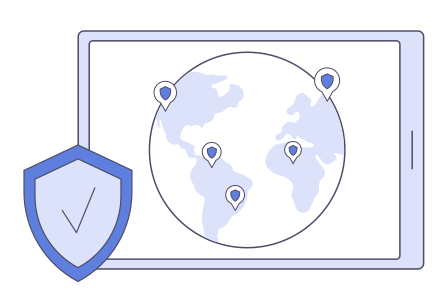
Why use a VPN with GoToMeeting?
Why pick VeePN for GoToMeeting
Not every VPN can handle video calls well. Here’s what makes VeePN a reliable choice for a GoToMeeting VPN setup.

2,500+ servers in 60 countries
Connect to a nearby location for a clear and lag-free meeting.

Strict No Logs policy
Your call data stays private. We don’t store or track what you do.

Unlimited bandwidth
Share screens, talk, and stream with no limits or slowdowns.

Fast, modern protocols
WireGuard and other advanced protocols give you steady and secure calls.

Kill Switch and leak protection
Keeps your real IP safe if your connection ever drops mid-call.

24/7 support
Need help? Our team is always ready to get you back online.
Platform & device compatibility
VeePN has apps for Windows, macOS, iOS, Android, Linux, and routers. So, it doesn't matter whether you join GoToMeeting on your laptop, tablet, or phone. Your reliable VPN GoToMeeting setup will remain secure and stable everywhere.