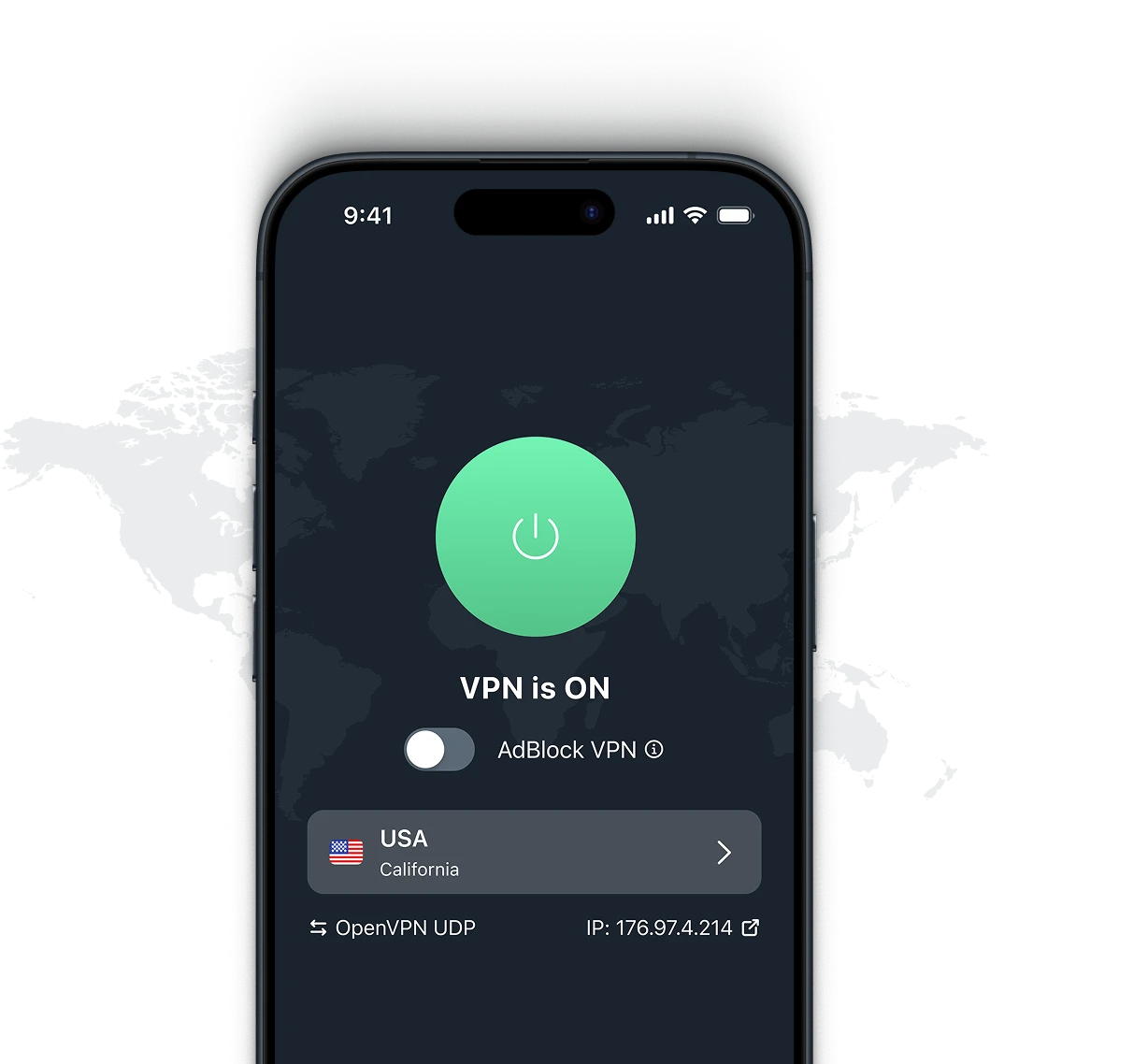
Не работает? Проверьте статус популярных сервисов
Выберите сервис из списка ниже, чтобы увидеть его текущий статус. Информация основана на отчетах пользователей и обновляется каждые 30 минут.
-
 Instagram
-
 Facebook
-
 Youtube
-
 Reddit
-
 Yahoo
Yahoo 
-
 Discord
-
 Cox
Cox
-
 Xbox Network
-
 X
X
-
 Playstation Network
-
 Verizon
-
 Spectrum
-
 AT&T
AT&T
-
 Steam
Steam
-
 Xfinity
-
 Fortnite
-
 Hulu
Hulu
-
 Netflix
-
 Roblox
-
 Snapchat
-
 T-Mobile
-
 Venmo
Venmo
-
 DoorDash
-
 Zelle
Zelle
-
 Grindr
-
 Bluesky
-
 Canva
Canva
-
 Shopify
-
 LinkedIn
-
 Paramount Plus
-
 YouTube TV
-
 Chase
Chase
-
 Instacart
-
 Tiktok
-
 Peacock
-
 Cash App
-
 WOW
WOW
-
 FedEx
FedEx
-
 Apple Music
-
 Canvas
-
 Quizlet
-
 iFunny
-
 Marvel Rivals
-
 HBO Max
-
 Minecraft
-
 9anime
-
 ADP
ADP
-
 Ticketmaster
-
 eBay
eBay
-
 Letterboxd
-
 Etsy
Etsy
-
 Straight Talk
-
 Copilot
-
 Rocket League
-
 Alexa
Alexa
-
 Roku
Roku
-
 Fidelity
-
 Dropbox
-
 FiveM
FiveM
-
 Quantum Fiber
-
 Tumblr
-
 Gemini
Показанные товарные знаки используются исключительно в иллюстративных целях. VeePN не поддерживает и не продвигает покупку продуктов или услуг, связанных с этими товарными знаками, и не связан с ними, не спонсируется и не одобряется их владельцами.
Как мы определяем статус сервиса?
Мы определяем статус сервиса, проверяя отчеты пользователей за последние 24 часа. Каждые 30 минут анализируем отчеты, чтобы обновить статус каждого сервиса.
-
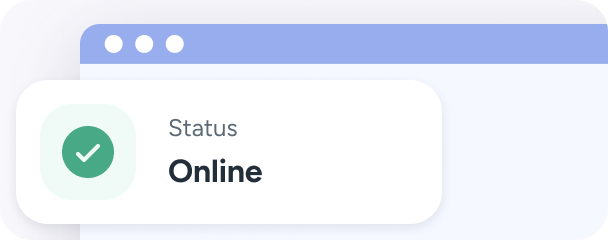
Онлайн
Проблем не обнаружено, сервис полностью функционален, и все функции доступны через веб-сайты, приложения и другие сервисы.
-
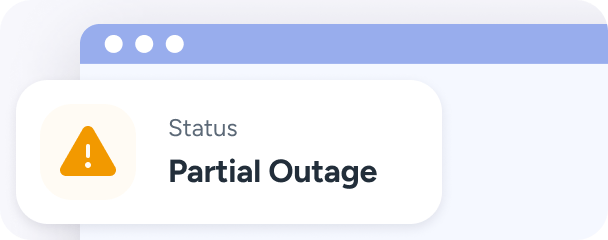
Частичный сбой
Некоторые пользователи сообщают о периодических проблемах — частичное нарушение. Есть определенные проблемы с доступом, но они не затрагивают всех пользователей.
-
Не работает
Значительные проблемы или сбои, о которых сообщают многие пользователи. Сервис не работает или не может обработать запросы пользователей.
Почему сервисы могут не работать?
Несколько причин могут привести к сбоям в работе сервисов, включая:
-
 Проблемы с сервером
 Перегрузка или отказ сервера, на котором размещен сервис.
-
 Техническое обслуживание
 Регулярные обновления или техническое обслуживание могут вызвать временный простой.
-
 Проблемы с сетью
 Проблемы с DNS, маршрутизацией или вашим интернет-провайдером.
-
 Кибератаки
 Атаки распределенного отказа в обслуживании (DDoS), перегружающие сервис.
Как работает наш чекер статусов?
Наш инструмент анализирует проблемы, о которых сообщают пользователи за последние 24 часа, чтобы рассчитать статус каждого сервиса каждые 30 минут.

Мы рассчитываем базовый уровень на основании средних отчетов для каждого сервиса
-
<50%
Если количество отчетов ниже 50%,
то статус "Онлайн" -
50-75%
Если количество отчетов больше 50%, но меньше 75%, статус "Частичный сбой"
-
>75%
Если количество отчетов превышает 75%,
статус "Не работает"
Что делать, если сервис не работает
Вот шаги, которые нужно предпринять, если вы не можете получить доступ к нужному сервису:
-

Проверьте ваше подключение
Убедитесь, что ваше интернет-соединение стабильное.
-

Перезагрузите устройство
Это часто может решить временные проблемы.
-

Свяжитесь с поддержкой
Если проблема сохраняется, обратитесь в службу поддержки сервиса.
-

Попробуйте VeePN
Если сервис ограничен или испытывает проблемы, VeePN может помочь.
Почему VeePN может помочь, когда
сервисы не работают?
Оставайтесь в безопасности при устранении неполадок

Получите доступ к статусу сервиса отовсюду
Избегайте блокировок ISP во время сбоев
Обеспечьте конфиденциальность при сообщении о проблемах
Получите доступ к альтернативным сервисам во время сбоя
Быстрое восстановление после сетевых проблем


Получите скидку 87% на VeePN + 4 дополнительных месяца
Обеспечьте защиту вашего соединения, сохраните данные и увереннее просматривайте интернет — все, что вам нужно, в одном месте.
Получите скидку
 Гарантия возврата денег в течение 30 дней