English
 Deutsch
 Español
 Français
 العربية
 Indonesia
 Italiano
 한국어
 Nederlands
 Polski
 Português
 Türkçe
 简体中文
 ไทย
 Tiếng Việt
 Čeština
 فارسی
 Română
 日本語


How to stop sharing location without them knowing?
In order to stop sharing your location without a person knowing about it, disable location sharing on your phone settings (such as Find My or Google Location Sharing). You may also switch to Airplane Mode, disable Location Services or use VeePN and hide the actual location you are in without receiving alerts.
 VeePN Research Lab


In order to stop sharing your location without a person knowing about it, disable location sharing on your phone settings (such as Find My or Google Location Sharing). You may also switch to Airplane Mode, disable Location Services or use VeePN and hide the actual location you are in without receiving alerts.


VeePN is freedom
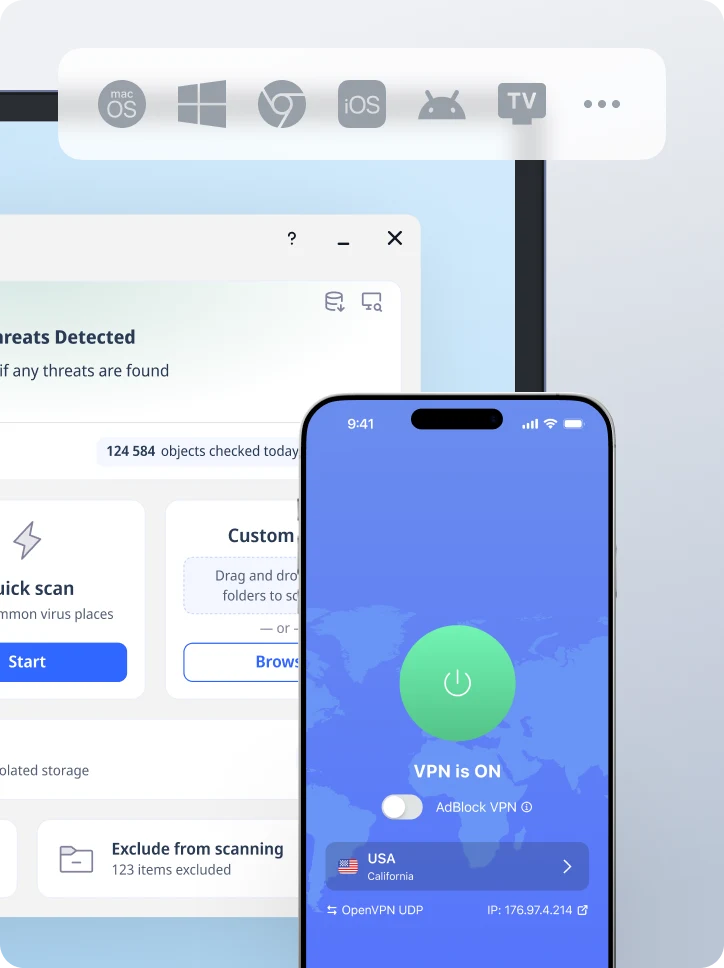
I-download ang VeePN Client para sa Lahat ng Plataporma
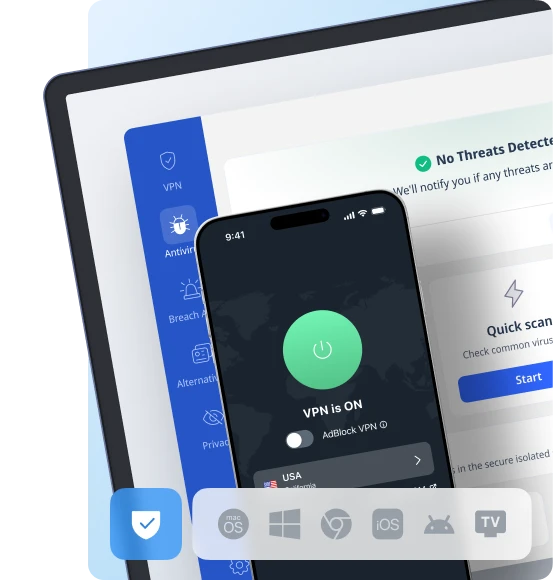
Masiyahan sa makinis na VPN karanasan saanman, kailanman. Anuman ang iyong device — telepono o laptop, tablet o router — ang susunod na henerasyon ng VeePN sa proteksyon ng data at ultra-mabilis na bilis ay sasaklaw sa lahat ng mga ito.
I-download para sa PC I-download para sa Mac IOS at Android na App
Want secure browsing while reading this?
Tingnan mo mismo ang pagkakaiba - Subukan ang VeePN PRO nang libre sa loob ng 3 araw, walang panganib, walang pressure.
Simulan ang Libreng TrialPagkatapos ay ang VeePN PRO 1-taong plano