English
 Deutsch
 Español
 Français
 العربية
 Indonesia
 Italiano
 한국어
 Nederlands
 Polski
 Português
 Türkçe
 简体中文
 ไทย
 Tiếng Việt
 فارسی
 Română
 Filipino
 日本語


How to use a VPN for Amazon Prime?
 VeePN Research Lab
Úno 6, 2025
1 min read


To start using an Amazon Prime TV VPN, follow these simple steps:
- Choose a trustworthy VPN service like VeePN and sign up.
- Download and install a VPN app on your device.
- Open the app and choose the desired server location.
- Turn your VPN on.
- Enter your Prime Video account and stream with no limitations.
Check out this article for more details.


Knowledge is power,
VeePN is freedom
VeePN is freedom
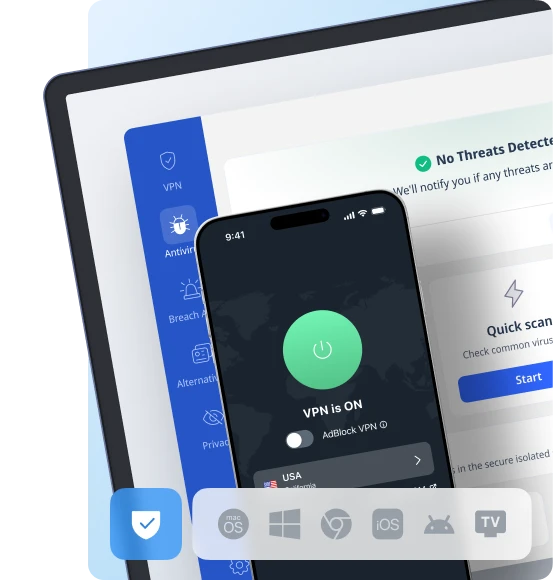
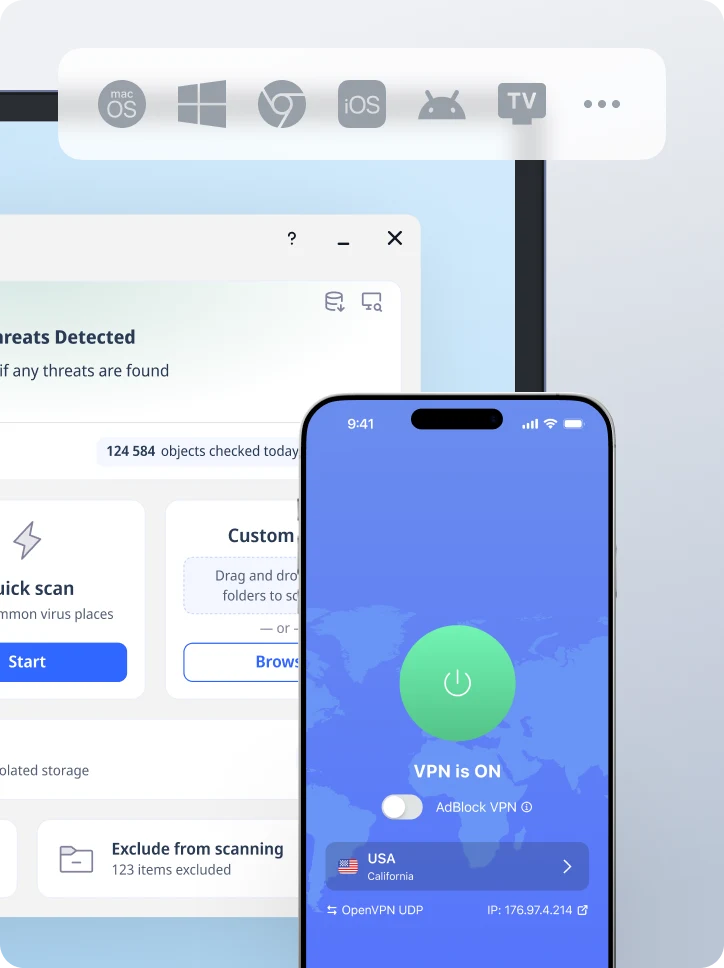
Stáhněte si VeePN klienta pro všechny platformy
Užijte si plynulý VPN zážitek kdekoli a kdykoli. Bez ohledu na zařízení, které máte — telefon nebo laptop, tablet nebo router — VeePN pokryje všechny z nich díky své příští generaci ochrany dat a ultra-rychlé rychlosti.
Stáhnout pro PC Stáhnout pro Mac IOS a Android Aplikace
Want secure browsing while reading this?
See the difference for yourself - Try VeePN PRO for 3-days for $1, no risk, no pressure.
Začněte $1 zkušebníPak VeePN PRO na 1 rok